


|
Name |
Exagear |
|---|---|
|
Category |
Tools |
|
Developer |
Exagear INC |
| Last version | 3.0.2 |
|
Updated |
|
|
Compatible with |
Android 8.1+ |
Introduction to Exagear APK
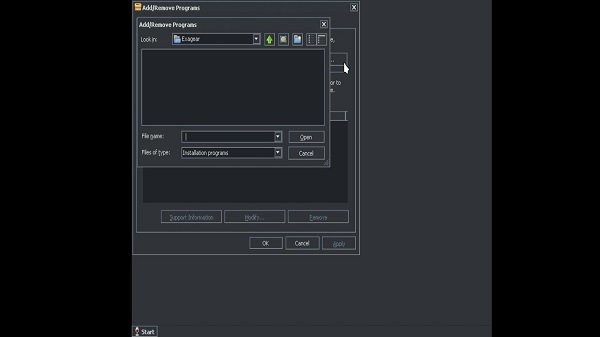
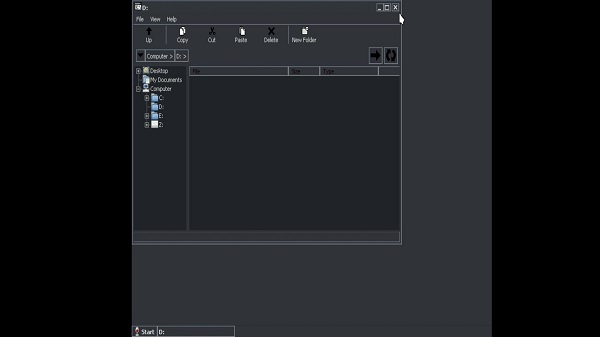
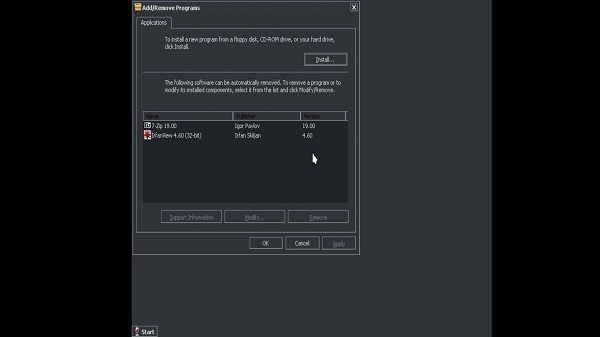
Exagear APK is a mobile utility app that flips the usual emulator script—designed specifically for Android devices, it lets you run classic Windows software and games that were originally built for x86 PCs. Think of it as a translator for old-school PC programs, bridging the gap between legacy Windows tools and your Android phone’s ARM-based system. It’s not a full emulator in the traditional sense—it uses a compatibility layer to interpret and run 32-bit Windows applications, meaning smoother performance and way less battery stress compared to typical virtual machines.
Forget the idea that mobile devices can’t handle real desktop software. Exagear proves otherwise. While it won’t run the latest AAA games or resource-hungry software, it absolutely shines when you want to revisit classics like Diablo II, Age of Empires II, or even just boot up older versions of Microsoft Office or VLC media player. It’s tailor-made for fans of retro gaming and anyone who still relies on lightweight, old-school Windows apps that just don’t exist in the Android ecosystem.
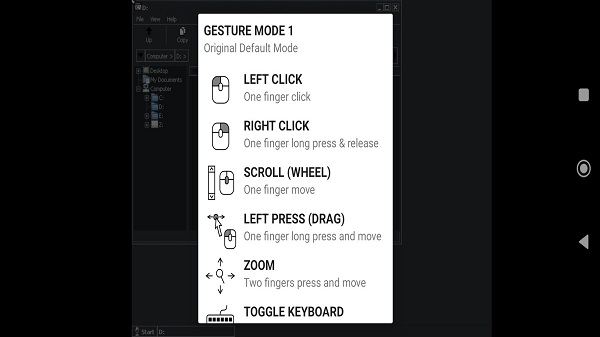
One of the coolest parts? You’re not locked into weird or clunky controls. Exagear allows touch-based inputs but also supports external keyboards and mice, so you can plug in or pair your devices via Bluetooth and get a much more desktop-like experience—on your phone. That flexibility makes it a strong pick for productivity nerds and nostalgia gamers alike.
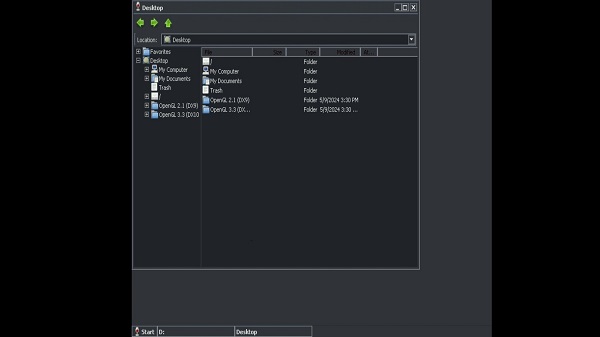
It’s also got this fun “micro-computer” vibe to it. Picture yourself running GIMP or Notepad++ while riding the train to work—yeah, that’s totally a thing now. The emulator feels like a mini workstation squeezed into your phone, but without the headache of full-blown virtual machines.
Another thing that sets it apart is how lightweight it is. Because it skips the full Windows emulation and just focuses on translating x86 instructions to ARM, Exagear stays snappy even on mid-tier phones. It’s not trying to do everything—it just does one niche thing really well. And that simplicity works in its favor.
Now, while Exagear's development has technically stopped (RIP Eltechs), the community wasn’t ready to let go. There are still updated versions floating around, including variations like Exagear Gold that expand compatibility and improve the user experience. These community-backed versions keep the whole ecosystem alive, proving how passionate people are about squeezing more life out of their Android devices.
So whether you're chasing that old Fallout 2 fix, trying to load up Winamp, or running a weird Windows-only program for work, Exagear quietly makes it happen—all from the comfort of your phone. No cloud gaming, no streaming, no PC required.
FAQs Exagear
What is Exagear?
+
Exagear is a mobile app for Android that lets you run old Windows-based software and PC games using a compatibility layer instead of full emulation.
How does Exagear work on Android devices?
+
Exagear translates x86 Windows instructions into ARM-compatible code, allowing it to run 32-bit PC apps on Android with better performance than typical emulators.
Can Exagear run modern Windows games?
+
No, Exagear is designed to run older 32-bit games and apps. High-end or 64-bit titles typically aren’t supported due to hardware and software limitations.
Is Exagear still being updated?
+
The original developer stopped updates, but community-driven versions of Exagear, like Exagear Gold, continue to improve compatibility and performance.
What kind of apps and games can I use with Exagear?
+
Exagear supports many classics like Fallout 2, Age of Empires II, and lightweight tools such as Notepad++, VLC, Winamp, and older versions of Office.
Discover More Interesting Apps
-
 Mod
Mod
Multi App
v3.0.3
37.95 Mb
Updated -
Mod
Free VPN
v2.5.3.9
155.00 Mb
Updated -
Mod
yw player
v1.4.0
29.46 Mb
Updated -
TikFinity
v2.7.0
89.21 Mb
Updated -
Mod
Ad Blocker
v7.6.15
39.00 Mb
Updated -
App Hider
v3.16.5_4dd69689f
70.85 Mb
Updated -
Mod
Thunder VPN
v5.4.8
9.00 Mb
Updated -
Hik Connect
v7.0.200.1010
472.87 Mb
Updated -
App Lock
v6.5.0in
81.51 Mb
Updated -
Mod
Nzb360
v25.2
13.82 Mb
Updated










Share Your Thoughts